
Tails can be a strong privacy tool when you use the official image, verify it, boot it directly on compatible hardware, and understand what it does not cover. It is not a promise of perfect anonymity, protection from a compromised host or firmware, or safety from risky accounts, files, websites, and user decisions.
What Tails is designed to protect
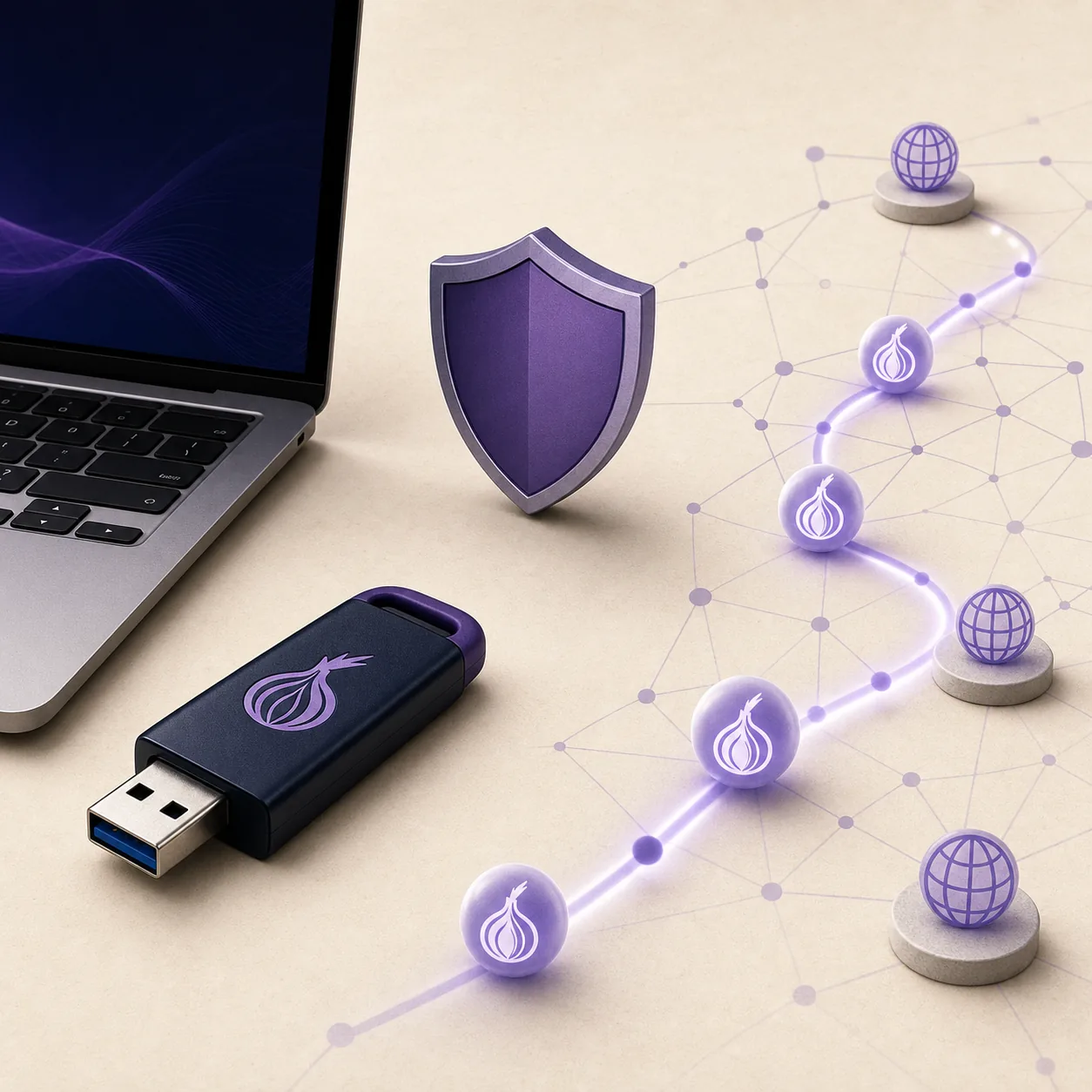
Tails is a live operating system intended to start from removable media and leave fewer traces on the computer after shutdown than a normal installed system. Its design also routes supported network applications through Tor, which can reduce the direct exposure of your network location to the websites you visit. These are useful properties, but they are narrower than the everyday word safe suggests.
The benefit is strongest when the whole workflow matches the design: you use a current official image, verify the download, boot from a dedicated USB, let Tor connect, and avoid saving sensitive work outside the places you deliberately choose. The system cannot turn an unverified download, a logged-in identity, or a hostile computer into a trustworthy environment.
- A live session can reduce ordinary local traces after shutdown.
- Supported applications are designed to use the Tor network.
- The official release and verification process gives you a known software starting point.
- The privacy benefit depends on your behavior and the surrounding hardware, accounts, and services.
Ask what you need to protect, from whom, and for how long. Tails may fit one threat model while being a poor answer for another.
What Tails cannot protect
Tails does not remove every risk from the computer that runs it. Firmware, boot settings, a damaged USB port, a compromised device, or a hostile physical environment can affect what happens before Tails starts. If the host computer is monitored or modified at a level outside Tails' control, the live session cannot provide an independent guarantee about that machine.
It also cannot protect you from every mistake inside the session. Signing into an account can connect activity to an identity. Opening a malicious document, revealing personal details, reusing unique usernames, or bypassing a browser warning can defeat the privacy goal even when Tor is working. Tails reduces some traces and network exposure; it does not replace careful operational security.
- Do not treat Tails as proof that a computer or firmware is clean.
- Do not assume Tor hides the identity you reveal through an account or message.
- Do not open sensitive files or use host-shared folders without understanding the path.
- Do not describe a successful boot as a guarantee against malware, surveillance, or physical access.

Is a USB safer than a virtual machine?
For the normal Tails use case, a dedicated USB and direct boot are the clearer default because they avoid adding a desktop host and hypervisor between Tails and the computer hardware. A virtual machine can be useful for learning or a documented workflow, but the host system remains active and can observe, retain, or influence parts of the session. A VM is therefore not a drop-in privacy equivalent to direct boot.
The official ISO is the appropriate media for a virtual machine or another workflow that specifically requires it. Do not use the VM path merely because it looks easier. Disable unnecessary clipboard, drag-and-drop, shared-folder, USB passthrough, snapshots, and saved-state features, and read the current Tails instructions before relying on the result.
| Path | What it is good for | Security boundary to remember |
|---|---|---|
| Dedicated USB | The normal portable Tails session | Computer hardware, firmware, physical access, and your actions still matter |
| Virtual machine | Testing or a workflow that requires an ISO | Host OS, hypervisor, logs, memory, snapshots, and shared integration remain relevant |
| DVD or ISO workflow | A documented optical or advanced workflow | The media can be verified, but it does not remove host or physical-world risks |
Read the Tails USB guide for the normal path and the ISO/VM guide when a virtual machine is genuinely required. A file format alone does not decide which option is safer.
How to use Tails more safely
Start with source discipline. Open the official Tails download page directly, confirm the release and image type, complete the published verification step, and only then write or attach the image. A current-looking filename from a forum, file host, advertisement, or mirror that you cannot trace back to tails.net is not enough evidence.
Then reduce avoidable connections between the session and the rest of your life. Use a dedicated USB, let Tor finish connecting, avoid unnecessary host integration, keep important Persistent Storage data backed up separately, and do not mix identities simply because a site loads. When the task is sensitive, plan what you will save, what you will reveal, and how you will close the session before you start.
- 1
Choose the official source
Open tails.net yourself and confirm that the release page and installation path match the job you need to complete.
- 2
Verify before use
Finish the current official verification process before writing the image to a USB or attaching an ISO to a VM.
- 3
Use a clean boundary
Prefer a dedicated USB and direct boot for the normal workflow; disable VM integrations you do not need.
- 4
Control identity and data
Avoid unnecessary account logins, keep sensitive files in deliberate locations, and do not assume Tor erases information you publish.
- 5
Update and test
Check official release information, keep a backup, and test the exact USB and computer before time-sensitive work.
Why download and version checks matter
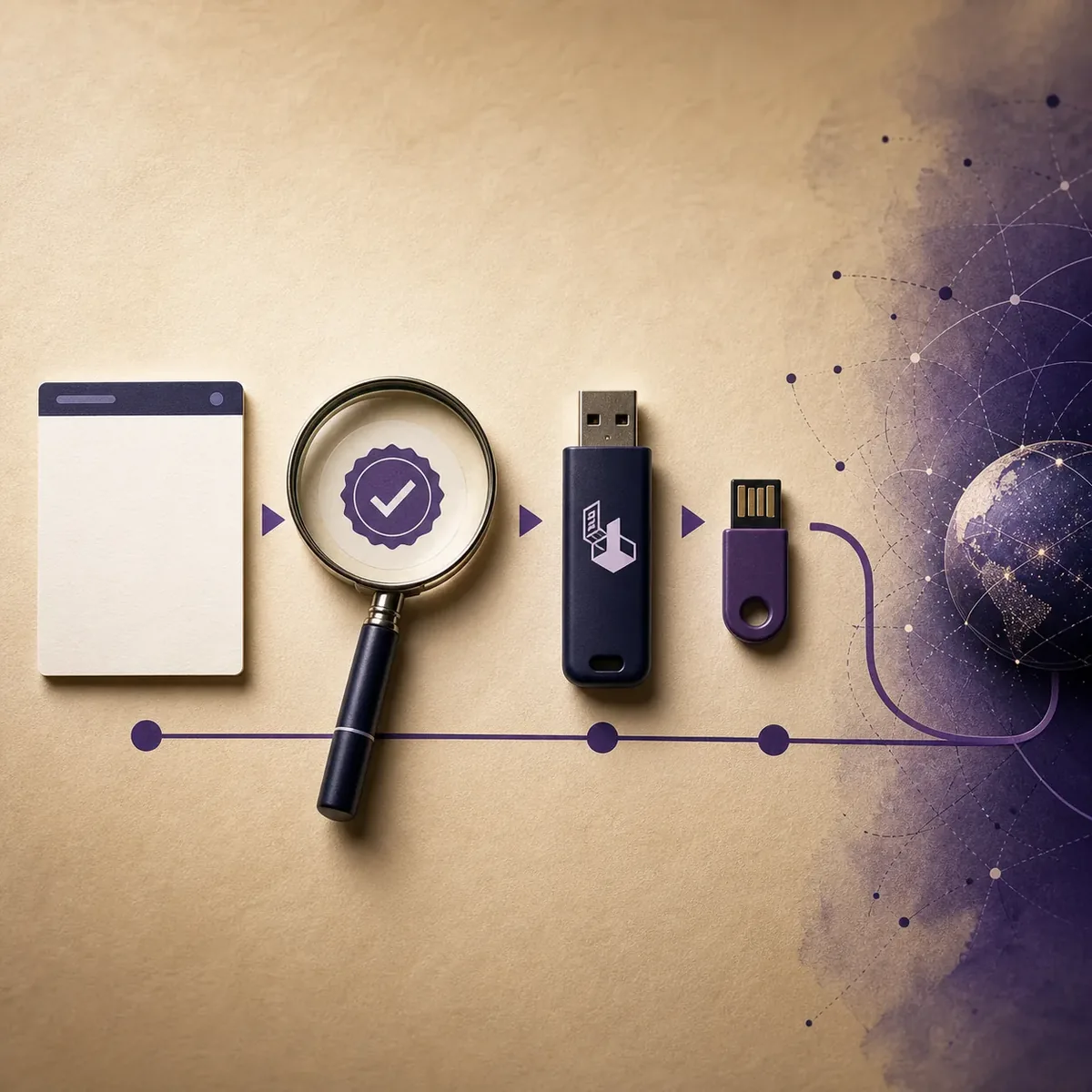
A privacy-focused operating system still begins as a file. On August 16, 2026, the official Tails download page listed Tails 7.11 and a 1.8 GB USB/ISO image. Those details can change, so use the official page as the current authority instead of copying a version number or a temporary mirror URL from an old guide.
This site links to the official page and does not host, repackage, scan, or guarantee a direct image file. If verification fails, stop. If the image is old, check the release and security information before using it. Integrity proves that the bytes match the published release information; it does not prove that every activity you perform afterward is private or safe.
- Check the current release before creating new boot media.
- Use the official verification method instead of relying on file size alone.
- Do not use an untraceable third-party mirror or guessed direct link.
- Retire old images when a security update or new release changes the safe workflow.
| Check | What it tells you | What it does not tell you |
|---|---|---|
| Official source | Where the current release and instructions are published | That your computer or behavior is safe |
| Cryptographic verification | Whether the selected file matches the published release data | That the release fits every threat model |
| Version and advisory | Whether the media is current enough for the intended use | That an old verified image is still the best choice |
A realistic answer to “Is Tails OS safe?”
Tails is safer when it is used as a carefully maintained tool with a defined purpose: official source, verified media, compatible direct boot, Tor-connected supported apps, limited identity leakage, and a realistic plan for files and shutdown. It is less safe when the word safe becomes a shortcut for “nothing can go wrong.”
Before using Tails for a sensitive task, write down the actual risk you are addressing. If the answer is local traces, a live session may help. If the answer is a compromised laptop, hostile firmware, a malicious document, account correlation, or physical surveillance, you need additional controls and perhaps a different workflow. The official Tails documentation should remain the authority for current limitations and release-specific behavior.
- Use Tails for a defined threat model, not a vague promise of anonymity.
- Keep the official source, verification, hardware, and identity boundaries in view.
- Use the USB, ISO, browser, update, and comparison guides for their specific decisions.
- Stop and reassess when the workflow requires an exception you cannot explain.
Tails can be a useful privacy layer. It is not a magic shield, an anonymity guarantee, or a substitute for verified downloads and careful behavior.
Use Tails with realistic security expectations
A good Tails workflow is a chain: current official release, verified file, suitable boot path, controlled network behavior, deliberate identity choices, and a plan for storage and shutdown. Breaking one link does not automatically make the system useless, but it changes what you can reasonably claim the system protected.
When the consequences are high, use the current official documentation and test the exact setup before the important session. Keep this page as a decision guide, not as proof that a particular device, website, account, or activity is safe.
- Define the threat model before choosing the media.
- Verify the current official image before writing or booting.
- Treat the host, firmware, hypervisor, accounts, and physical environment as part of the boundary.
- Recheck release notes and limitations when the use case changes.
Is Tails OS safe? FAQ
Is Tails OS completely anonymous?
No. Tails is designed to reduce certain local traces and route supported applications through Tor, but accounts, writing style, files, websites, hardware, firmware, physical access, and user choices can still reveal information.
Is Tails safer than Windows or macOS?
They serve different use cases. Tails is designed as a live privacy-focused system, while Windows and macOS are general installed operating systems. “Safer” depends on the threat, the device, the software, and how the system is used.
Is Tails safe in VirtualBox?
A VM can be useful for testing, but the host operating system and hypervisor remain part of the security boundary. Do not treat a virtual session as equivalent to direct boot from a dedicated USB, and disable integrations you do not need.
Can Tails protect me from malware?
It can reduce some persistence and local-trace risks, but it cannot guarantee that every file, device, firmware layer, website, or action is safe. Do not bypass warnings or open untrusted files because Tails is running.
Is it safe to download Tails from a mirror?
Use the official Tails source and the verification method it publishes. This site does not provide a third-party mirror or guessed direct file link, and a successful file-size check is not a substitute for cryptographic verification.
What is the safest way to start Tails?
For the normal workflow, use the current official USB installation path, verify the image, write it to a dedicated USB, boot compatible hardware directly, wait for Tor to connect, and keep your identity and data choices deliberate.
Technical facts and downloads should be confirmed against the official Tails features and limitations documentation. This independent guide does not host or modify Tails images.