
Tails without USB is possible for testing. A virtual machine is convenient but depends on the host; a DVD can boot directly but is slow and read-only. Use a dedicated USB for repeated privacy-sensitive sessions, updates, and encrypted Persistent Storage.
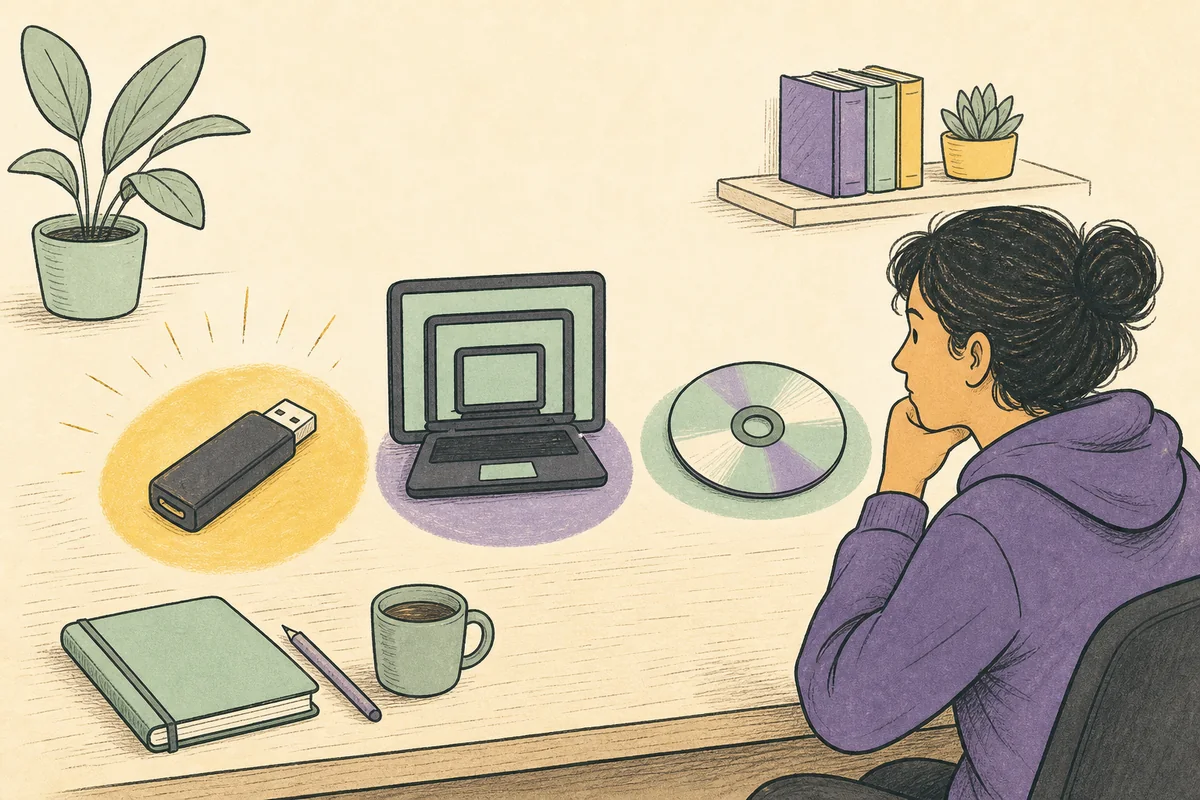
Ways to run Tails without a USB
The realistic no-USB choices are a virtual machine and optical media. A VM is useful for learning the interface, while a DVD can boot directly on compatible hardware. Tails remains a complete live operating system rather than a normal Windows or macOS app.
The startup method changes what can observe the session, what can be saved, and how updates are handled. VM and DVD are useful fallbacks, not equal replacements for a dedicated USB.
- VM: quickest for a short test, but the host remains trusted.
- DVD: direct boot, but slow and read-only.
- Dedicated USB: recommended for normal use and persistence.
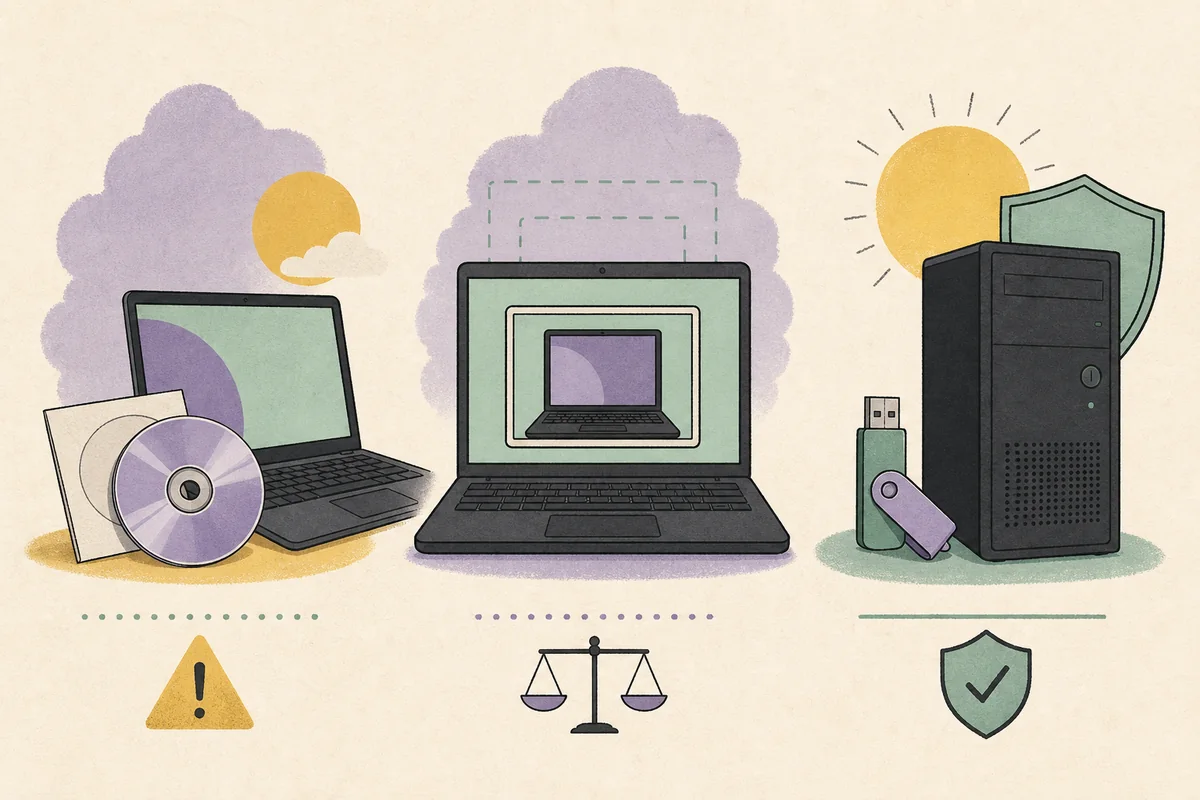
Why a virtual machine changes the security boundary
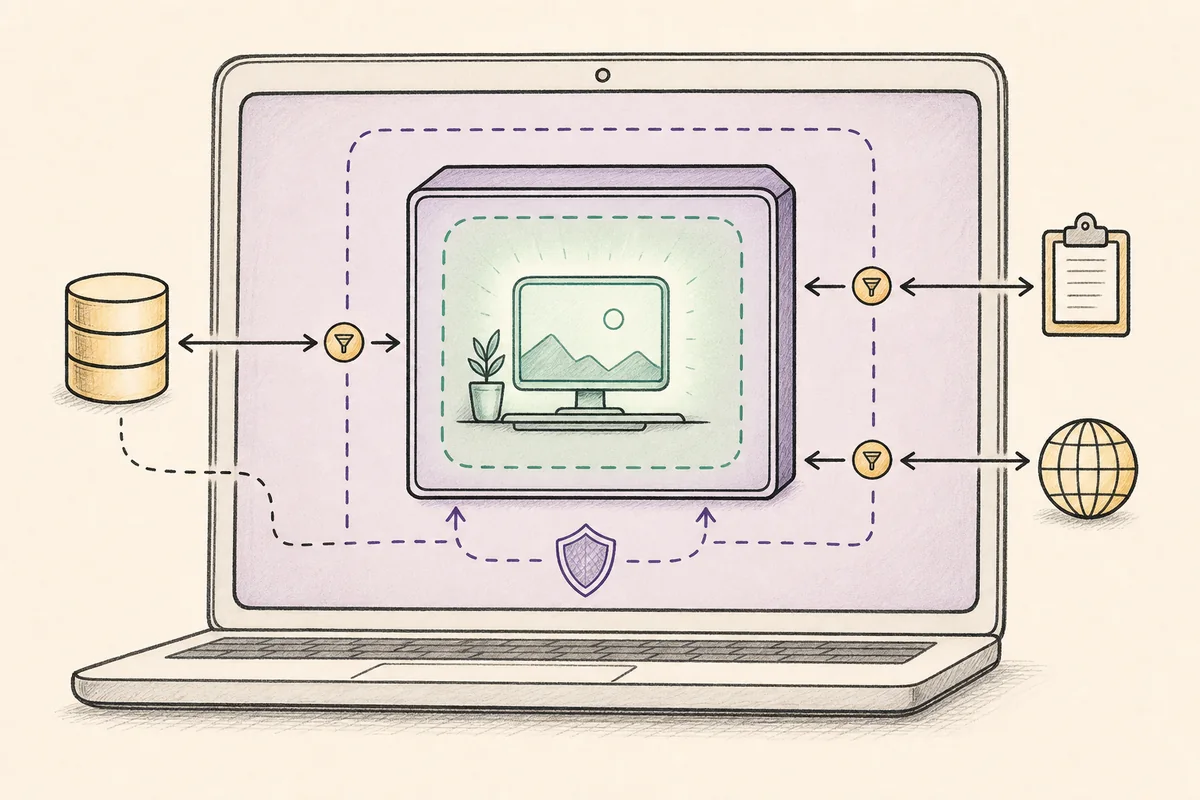
In VirtualBox, VMware, QEMU, or another hypervisor, the host controls physical networking, memory, storage, keyboard, display, and virtualization software. A compromised host can observe or manipulate the guest.
Shared clipboard, shared folders, drag and drop, mounted host drives, and snapshots add data paths across the boundary. Disable them unless a limited test truly requires them.
- Create a fresh guest without shared folders.
- Do not assume VM activity is hidden from the host.
- Delete snapshots and virtual disks after testing.
- Avoid a VM when the host is not trusted.
Tails OS without USB is a testing or fallback path, not an equal replacement for a dedicated Tails USB.
When a DVD is a reasonable fallback
A verified DVD can boot the Tails ISO on a computer that supports optical startup. This avoids a running host OS, but startup is slower and many modern laptops have no optical drive.
A burned disc is read-only. It can suit a disposable session, but it cannot provide the normal USB-based Persistent Storage workflow and must be replaced when the release changes.
- Confirm optical boot support.
- Verify the ISO before burning.
- Use a verified burn when available.
- Plan updates and saved files separately.
Persistent Storage, updates, and the current release
The normal Tails Persistent Storage workflow is designed for a dedicated USB. A VM disk belongs to the host environment, while a DVD cannot hold a writable persistent volume.
The official page showed Tails 7.11 when checked on August 22, 2026. This site does not host images or guess direct download URLs. Confirm version, size, file, and verification on tails.net.
- Replace old ISO files after security releases.
- Verification does not make an untrusted host safe.
- Use the official page when a stable direct link cannot be verified.
Choose the option that matches your goal
Use a locked-down VM for a short interface tour, a verified DVD for a one-time direct boot on compatible hardware, and a dedicated USB for recurring use, travel, updates, and encrypted storage.
- 1
Define the goal
Separate interface learning from privacy-sensitive use.
- 2
Assess the host
Do not choose a VM if the host is outside your trust boundary.
- 3
Open tails.net
Confirm the current release and choose the official ISO for VM or DVD.
- 4
Verify before use
Complete the official verification before attaching or burning the ISO.
- 5
Move to USB when needed
Use a dedicated USB for normal Tails use, updates, and Persistent Storage.
Practical no-USB checklist
Keep a VM limited to learning, disable integrations, and avoid personal files. A VM window does not prove the host cannot watch the session.
For a DVD, verify the ISO, confirm optical boot, and replace the disc when a new release arrives.
If you need repeatable sessions, encrypted Persistent Storage, or easier updates, use the official USB path.
- VM for learning, not for distrusting the host.
- DVD only on compatible hardware.
- USB for recurring sessions and persistence.
- Verify every image before first boot.
Tails without USB FAQ
Can I install Tails directly without USB?
Tails is designed as a live operating system. Use the official USB workflow for normal use, or the ISO in a VM or on DVD for limited testing.
Can I run Tails in VirtualBox?
Yes, but the host and hypervisor stay inside the security boundary. Disable integration features and do not treat activity as hidden from the host.
Can I use Tails from a DVD?
Yes on compatible hardware. It is slower, read-only, and lacks the normal Persistent Storage and update experience.
Can Persistent Storage work without USB?
The normal supported workflow uses a dedicated Tails USB. A VM disk is host-controlled and a DVD is not writable.
Is it as private as booting from USB?
Usually no. A dedicated verified Tails USB is the safer default for normal use.
Technical facts and downloads should be confirmed against the official Tails documentation. This independent guide does not host or modify Tails images.